How TRGS Tracks Dive Centre Tanks and Regulators
TRGS is an offline-first Android system for recording scuba cylinders, inspection and hydrostatic test dates, regulator servicing, equipment status, barcodes, locations, and operational notes.
It is designed for dive centres, liveaboards, training facilities, compressor stations, and remote dive operations that need clearer control than paper logs, disconnected spreadsheets, or staff memory can provide.
Scuba Cylinder Records
Tank Inspection and Hydro Date Tracking
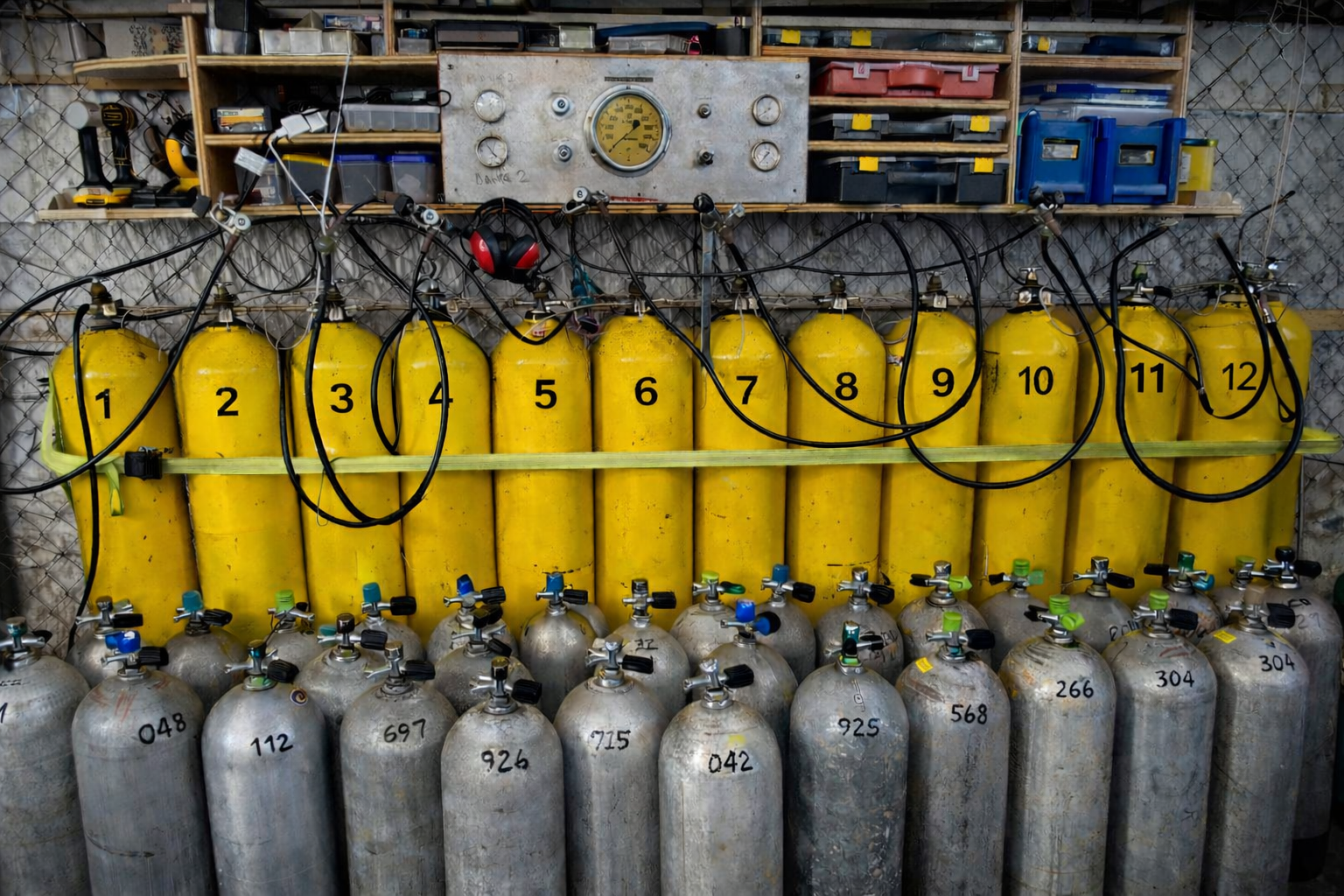
Each tank record can contain the tank ID, barcode, serial number, material, size, gas content, visual inspection date, hydrostatic test date, hydro interval, location, operational status, and notes.
TRGS uses the dates and intervals entered by the operator to show whether a cylinder is current, approaching its due date, or overdue.
Hydro intervals are user-defined so operators can apply the interval required in their own jurisdiction and operating environment.
TRGS does not determine the legally correct interval. The responsible operator must enter and maintain the appropriate inspection requirements.
Inspection Warnings
See Equipment That Is Due Soon or Overdue
The TRGS dashboard highlights equipment that is overdue or approaching an entered inspection or service date within the current 30-day warning period.
This gives staff a clear immediate warning without requiring them to check every individual equipment record.
Planning limitation: The dashboard is intended for immediate due-date visibility. It should not be treated as a complete long-range inspection or maintenance forecast. Full records and reports should also be reviewed when planning work beyond the 30-day warning period.
Regulator Records
Regulator Service and Component Tracking
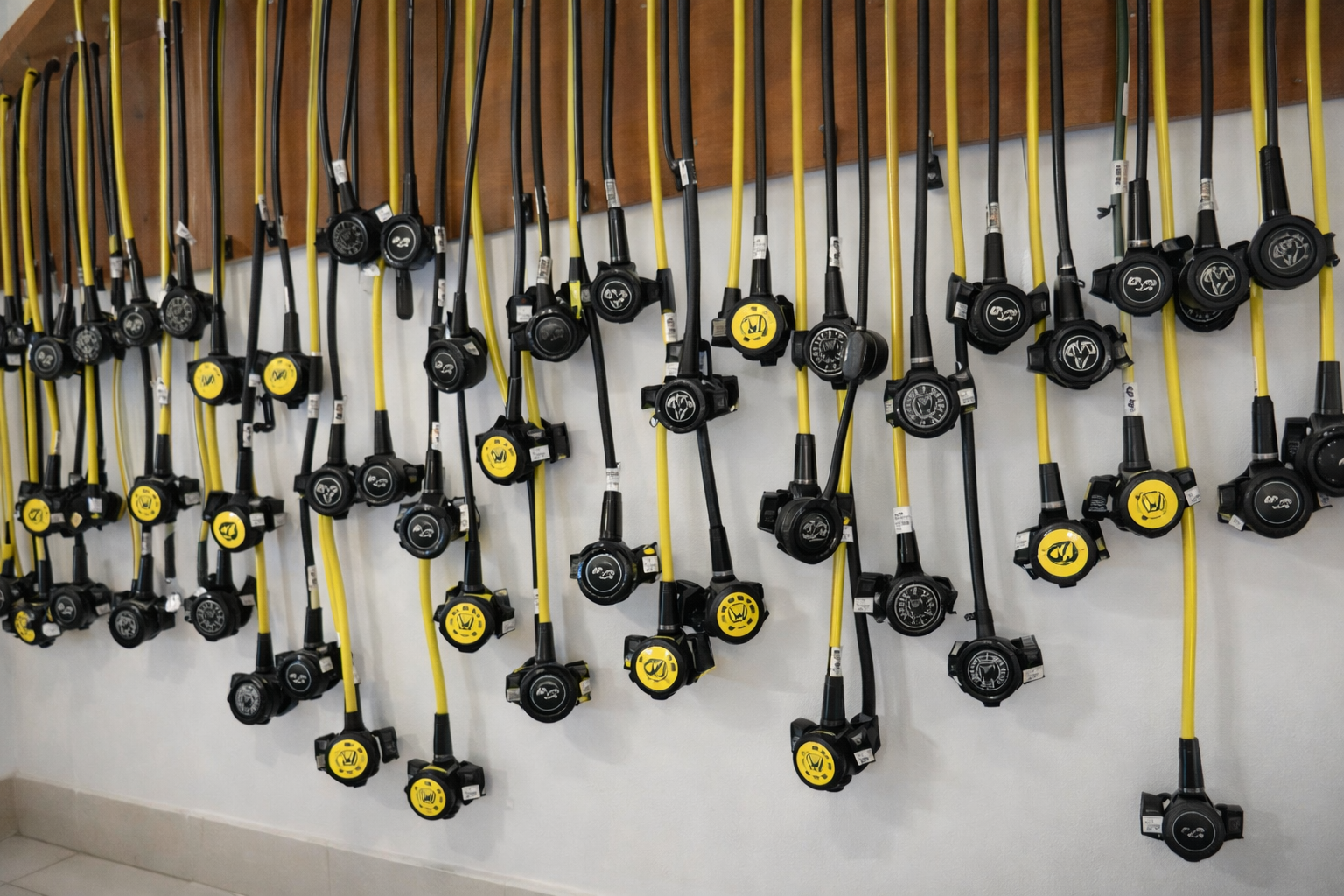
Regulator records support regulator identification, barcode-linked retrieval, first-stage serial tracking, primary and secondary regulator information, service dates, location, operational status, and notes.
Service warning logic helps users identify regulator sets approaching their entered service date or already overdue.
Each regulator set can be individually identified rather than treated as an untraceable item within a shared equipment pool.
Equipment Identification
Barcode Scanning or Manual Search
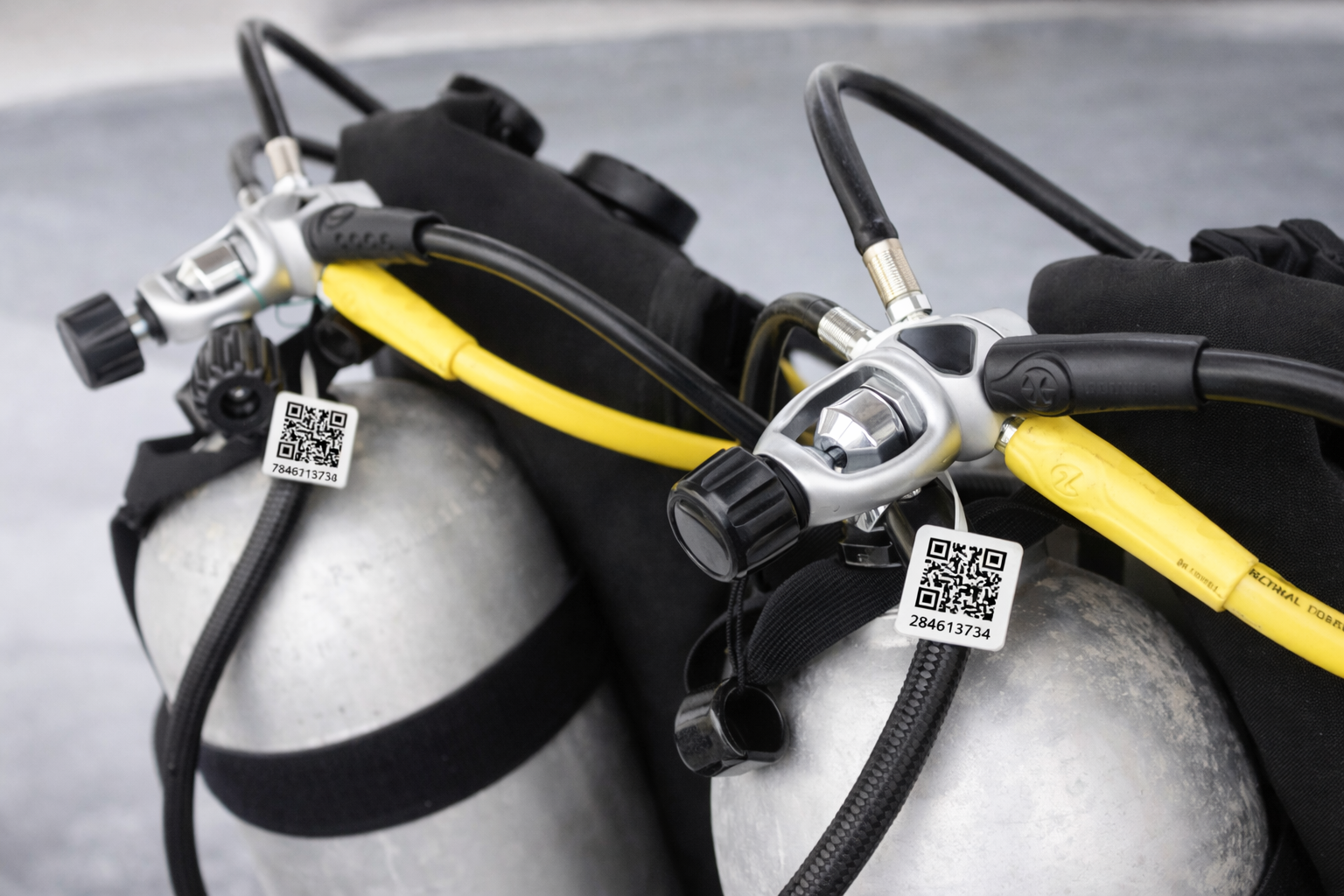
TRGS can retrieve equipment using a scanned barcode or through manual searches using tank numbers, regulator identifiers, serial numbers, or other recorded information.
Operators can use barcode or QR-format tags that suit their own equipment environment. Physical tags are not supplied as part of the TRGS subscription.
Scanning an identifier opens the matching equipment record. It does not itself confirm the physical condition, contents, ownership, inspection status, or serviceability of the equipment.
Staff must still confirm that the tag and the displayed record correspond to the correct physical item.
Shared Location Tracking
See the Last Recorded Location of Equipment
TRGS supports shared location records for tanks and regulators operating across one site or multiple locations under the same operational account.
For example, an operator may have a main dive centre, a beach base, and a second satellite location that move equipment between them.
When equipment reaches another location, an authorised staff member can scan or search for the record and use the Quick Move control to update its recorded location.
The movement is saved with a date and time. Other authorised devices can see the updated location after the change has been successfully synchronised.
Location limitation: TRGS does not provide physical GPS tracking. The location displayed is the latest location entered and synchronised by an authorised user.
Equipment Status
Separate Active, Inactive, and Quarantined Equipment
TRGS uses structured equipment status pathways including Active, Inactive, and Approved to Quarantine.
This allows an operation to distinguish equipment currently available for use from equipment awaiting inspection, servicing, management review, repair, or withdrawal.
Changing a status inside TRGS records an operational decision. It does not replace the physical control, labelling, isolation, or technical assessment required by the operation.
Offline-First Operation
Continue Recording Equipment Without Internet Access
TRGS is designed to continue operating when an internet connection is unavailable or unreliable.
Equipment records can be created, reviewed, and updated locally on an authorised Android device while offline.
This allows staff to use the system in compressor rooms, workshops, equipment stores, boats, remote bases, and other locations where continuous connectivity cannot be assumed.
Records created or changed while offline are not visible on another device until successful synchronisation has occurred.
Cloud Synchronisation
Synchronise Records When Connectivity Returns
When an internet connection is available, locally stored changes can be synchronised with the cloud-linked operational account.
Successfully synchronised records can then become available to other authorised devices signed in to the same account.
If an authorised phone is lost, damaged, or replaced, successfully synchronised records may be recovered by signing in to the same account on another compatible device.
TRGS cannot guarantee recovery of records that remained only on a device and were never successfully synchronised.
Multiple Authorised Devices
Shared Operational Visibility
A principal authorised user activates the TRGS subscription and creates the operational account.
Additional trusted staff can access the active account from authorised Android devices where the account-holding operation permits that access.
Each authorised device can work locally and synchronise changes when connectivity is available.
The operation remains responsible for controlling credentials, approving authorised users, and removing access when staff leave or change roles.
Reports and Exports
Generate Equipment Reports for Review
TRGS can generate equipment reports from multiple parts of the application and export records as Excel-compatible files.
Reports can support inspection planning, service review, management oversight, equipment checks, and communication with relevant personnel.
Exported files can be shared through email, WhatsApp, other messaging applications, or cloud-storage services selected by the authorised user.
Reports reflect the records available at the time they are generated. Users should confirm that relevant devices have synchronised and review the exported information before relying on or distributing it.
Record History
Current Records with Limited Previous Values
TRGS records current tank inspection, hydrostatic test, and regulator service information and retains available previous values through its audit or history functions.
TRGS should not be treated as a complete lifetime technical-history archive unless the operator has confirmed that all required historical records are present.
Where long-term inspection or maintenance history is required, operators should retain suitable exports, certificates, workshop records, and other supporting documentation.
Device Access
Practical Login Protection
Where supported and enabled on the Android device, biometric access such as fingerprint authentication can provide an additional practical login control.
Device biometrics do not replace responsible account management. The operation must still protect account credentials, control authorised devices, and prevent access by unauthorised personnel.
Operational Boundaries
TRGS Supports Competent Equipment Control
TRGS is an operational record and governance support system. It does not inspect, service, certify, approve, or determine whether equipment is safe or legally compliant.
Equipment condition, inspection requirements, service decisions, quarantine, operational readiness, and legal compliance remain the responsibility of the relevant owner, manager, technician, inspector, or authorised decision-maker.
Full details are available in the TRGS Operational Disclosures.
Android Application
Download TRGS from Google Play
TRGS is publicly available for Android devices. The application is free to download, and creating a new operational account requires an active subscription unless a separately authorised access arrangement applies.